
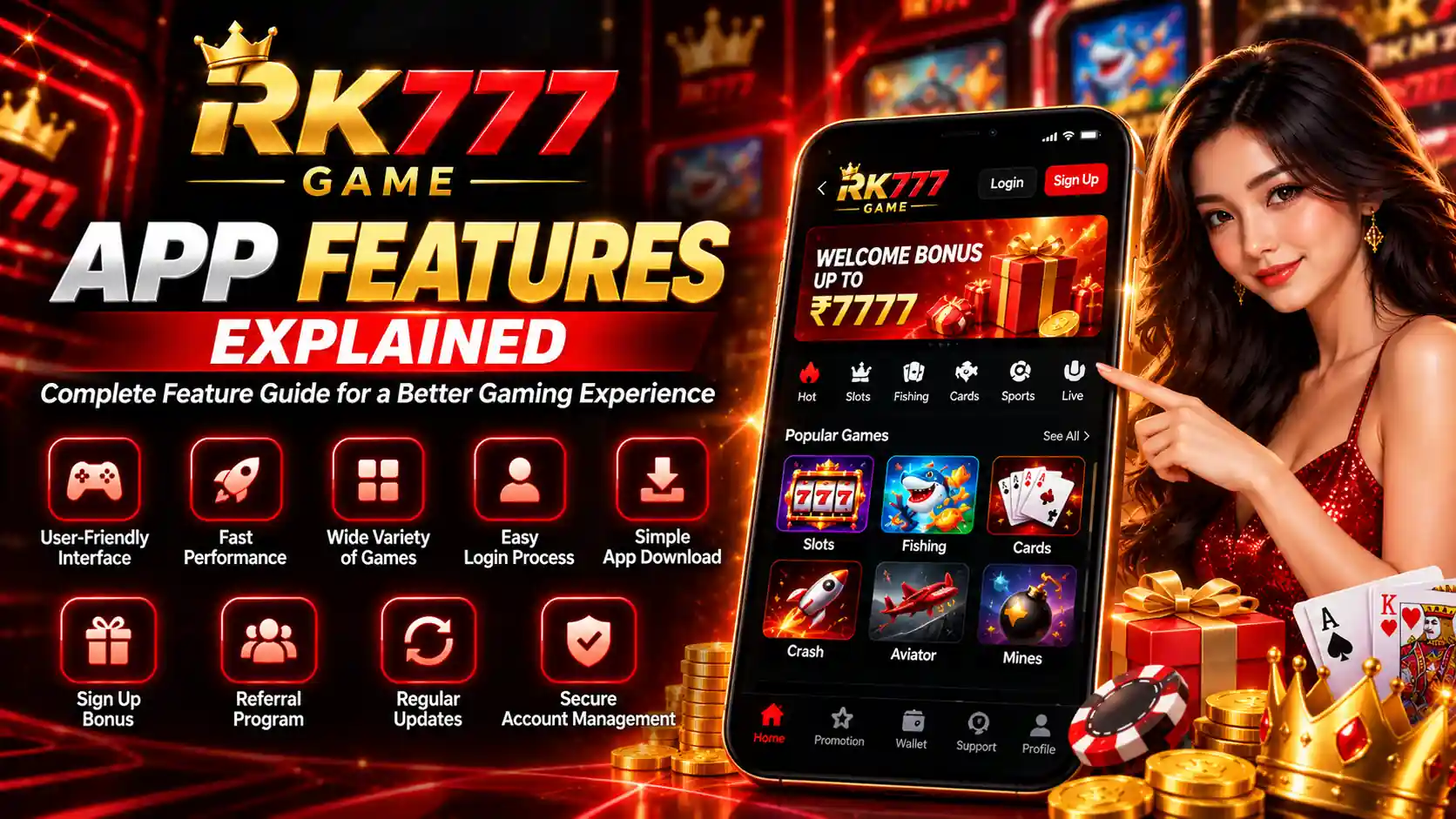
The RK777 Game interface brings several game categories, account tools, promotional screens and navigation options into one mobile experience. If you are opening the app for the first time, learning where these features appear is more useful than guessing through unfamiliar menus.
This independent guide explains the RK777 App features visible in the supplied app screenshots, along with practical Android setup and account-safety advice. It focuses on what each screen does and what to check, rather than claiming that a feature guarantees rewards, security or uninterrupted performance.
Table of Contents
- RK777 App Features at a Glance
- Homepage and Navigation
- Game Categories Explained
- Android Experience
- Login and Registration Options
- APK Download and Installation
- Wallet and Payment Screens
- Promotions and Bonus Offers
- Ranking and Events
- Referral and Community Features
- Updates and Version Checks
- Account Safety Features and Habits
- Common Problems and Fixes
- FAQs
RK777 App Features at a Glance
The supplied RK777 screenshots show a mobile-first dashboard with a game catalogue, account and wallet areas, promotional banners and bottom navigation. The interface also provides account access through a mobile number and verification code, with password-login and account-recovery options visible on the login screen.
Browse category tabs and individual game tiles instead of searching through unrelated pages.
Use the displayed mobile-number login, verification-code and password options.
See promotions and redemption screens, then check eligibility and conditions.
Locate the wallet, profile and other menu items shown within the app.
1. User-Friendly Homepage and Navigation
On the RK777 home screenshot, the upper area contains the app identity, profile information, a balance display and a deposit control. Below that is a rotating promotional banner, followed by category tabs and groups of game tiles. The bottom bar includes options such as Event, Ranking, Get Cash, VIP and Earn in the screenshots provided.
These labels help orient new users. For example, tap a category to view games in that group; use the account section to review profile information; and inspect the wallet page rather than assuming that an amount shown in a promotion is already available as cash.
The location and availability of controls can change with the app version or account state, so use the labels currently shown on your own screen.
2. Wide Variety of RK777 Game Categories
RK777 screenshots display several groups including Hot, JILI, Live, Slots, Fishing, Poker and Sports, alongside visible tabs such as Crash. The exact catalogue can change. These categories serve different purposes and should not be treated as having identical gameplay rules.
Hot and featured games
The Hot section in the screenshots includes tiles such as Aviator, Funky Time, Chicken Road 2, Jackpot Fishing, 7 Up 7 Down, Rummy and Andar Bahar. This section is a discovery shortcut rather than a recommendation that any game is suitable or profitable.
Live and table-style categories
The Live view shows options such as roulette-themed games and Funky Time. Card-oriented tiles in the Poker section include Rummy, 3 Patti and Teen Patti. Always read the applicable rules, fees and restrictions within the specific game.
Slots, JILI and Fishing
Other screenshots show JILI-themed titles, slots and fishing games such as Jackpot Fishing and Caishen Fishing. Games with random outcomes carry financial risk; past results do not establish what will happen next.
If you are unfamiliar with a title, examine its instructions first and avoid assumptions based on artwork, categories or promotion badges.
3. Mobile Interface and Android Performance
The RK777 interface is laid out for a phone screen with large tiles, touch controls and horizontally scrollable categories. Whether it runs smoothly depends on the device, operating system, internet connection and the particular game being loaded. A screenshot cannot confirm benchmark performance, app size or compatibility with every phone.
For a more comfortable experience, keep enough storage available, avoid unnecessary apps running in the background and maintain a stable connection. If a tile does not open, test the connection before reinstalling the APK.
4. RK777 Login and Registration Options
The RK777 login screenshot shows a +91 mobile number input, a verification code field with a Send control and a Sign Up / Login button. It also displays Verification Code Login, Password Login and Forgot Password choices.
- Open the intended account screen through a source you trust.
- Enter the mobile number associated with your account.
- Choose the available verification-code or password method.
- Enter the required information and follow the on-screen instructions.
- Review your profile after successful access.
Never share an OTP with someone offering a bonus or claiming to be a support agent. For more account-specific instructions, see the RK777 Login Guide, Register Guide and Create and Verify Account Guide.
5. RK777 App Download and APK Installation
Android users sometimes prefer an installed app over opening a website in a browser. If you use an APK installer, the most important check is its authenticity—not how attractive the download page looks.
- Check the source and identify the publisher where possible.
- Review the stated version and Android requirements.
- Keep Play Protect or similar device protections enabled.
- Read any permissions requested during installation.
- Stop if the installer or device security identifies a risk.
Do not install modified files promising unlimited rewards or prediction tools. Visit our RK777 APK Guide, Download Guide and RK777 App Overview for their respective details.
6. Wallet, Deposit and Withdrawal Screens
The supplied wallet screenshot contains Deposit and Withdraw tabs, deposit amount choices and payment-method options labelled PhonePe, PayTM and QR code. It also displays transaction tips and promotional amounts. These are screenshots of displayed options, not independent confirmation that any payment method is currently supported or that a transaction will succeed.
When reviewing a payment screen, verify the amount, recipient or payment details, offer conditions and any transaction limits shown at that time. Never reuse an old QR code or share payment credentials in public chats. For explanations of the separate processes, see the RK777 Deposit Guide and RK777 Withdrawal Guide.
7. Promotion Banners, Bonuses and Redemption Codes
The RK777 promotion screenshots show a first-deposit banner, a free-reward offer, daily ranking rewards, a community promotion and a redemption-code page. Some banners display monetary amounts, but these are promotional claims with eligibility and turnover conditions that may change.
On the redemption screen, the app describes a gift-code entry field and states that restrictions apply. Before using any offer, check minimum activity requirements, account verification, wagering or turnover rules, expiry dates and whether bonus funds are actually withdrawable.
Read the RK777 Bonus Guide to understand the terminology; the presence of a banner alone does not establish that you qualify for it.
8. Ranking, Events and VIP Navigation
The screenshots include a ranking view with Day Rank and Week Rank tabs, a jackpot total and a list of participant positions. This section helps show how an event may be presented, but displayed leaderboards and monetary amounts should not be interpreted as audited payouts or typical user results.
The main navigation also includes Event, Ranking and VIP entries. Open the relevant rules before participating. Event availability, qualification criteria, ranking calculations and restrictions may vary, and some screens may require a logged-in account.
9. Referral, Community and Social Features
Promotional images show community-oriented features such as Telegram and WhatsApp icons, while the app also displays an Earn area. If a referral or invitation feature is available in your account, inspect the current terms before sharing a code or inviting someone else.
Do not promise a guaranteed reward or payment to other users. Avoid unofficial groups asking you to submit OTPs, passwords or banking details in exchange for a code.
10. App Updates and Version Information
App updates may change the layout, fix errors or affect compatibility. They should be obtained only after checking the source. An installer labelled “latest” is not automatically authentic, and a screenshot cannot establish the most recently released version.
Compare release details, available storage and supported Android requirements before updating. Our RK777 Latest Version Guide explains what information to look for.
11. Account Security and Privacy Practices
Mobile verification and password login are visible in the supplied screenshots, but encryption standards, fraud-detection systems or automatic session timeouts cannot be verified from those screens alone. The following user-controlled practices are useful regardless of the app's internal design:
- Use a long, unique password wherever password login is configured.
- Never share SMS verification codes or account-recovery information.
- Keep your Android device and browser updated.
- Leave shared devices signed out after use.
- Check unfamiliar links before entering account details.
- Review app permissions and stop if a download is flagged as harmful.
For a focused explanation, read our RK777 Account Security Guide and Trust & Safety page.
12. Common RK777 App Problems and Practical Fixes
App does not open or loads slowly
Check mobile data or Wi-Fi, restart the app and confirm that the phone has available storage. If needed, clear the app cache through Android settings, but do not confuse Clear cache with Clear storage/data.
Verification code does not arrive
Check the mobile number, signal and SMS spam filtering. Give the first code time to arrive before using the Resend option. Repeated requests may invalidate older codes.
Bonus or wallet balance seems different
Review whether the amount is shown as a promotional bonus, a pending transaction or an available balance. Read the specific promotion terms; contact the app's genuine support route for account-specific discrepancies.
Game tile is unavailable
A particular game may be temporarily inaccessible or restricted by device, location or account status. Avoid installing unofficial third-party alternatives to bypass a missing tile.
Frequently Asked Questions
What are the main RK777 App features?
The supplied screens show multiple game categories, a mobile login interface, wallet tabs, promotion banners, ranking information and account navigation.
Does RK777 have verification-code login?
Yes, the supplied RK777 login screenshot displays a verification-code field and a Send option, along with password-login access.
Which game categories appear in RK777?
Visible categories include Hot, Live, JILI, Slots, Fishing, Poker and Sports. Individual titles and availability may change.
Is the RK777 APK safe to install?
Safety cannot be established from screenshots alone. Verify the publisher and download source, review permissions and heed Android security warnings.
Are RK777 promotion rewards guaranteed?
No. Screenshots show advertised offers, but eligibility, turnover requirements and withdrawal rules may apply. Verify the current terms.
What should I check if the RK777 app loads slowly?
Check the connection, device storage and system updates; try restarting the app or clearing its cache without erasing app data.
Where can I learn more about the RK777 platform?
See the RK777 Platform Guide for a wider overview of navigation and account areas.
Final Thoughts
The most useful RK777 App features are the ones users can understand and navigate confidently: category browsing, account-access methods, promotional information and wallet controls. Start with the relevant screen, check the applicable rules and protect your credentials. An attractive interface or reward banner is not proof of safety, expected returns or reliable payouts.
For responsible decisions around real-money games, read our Responsible Gaming guidance. Participation may be restricted by age or location, and financial losses are possible.