
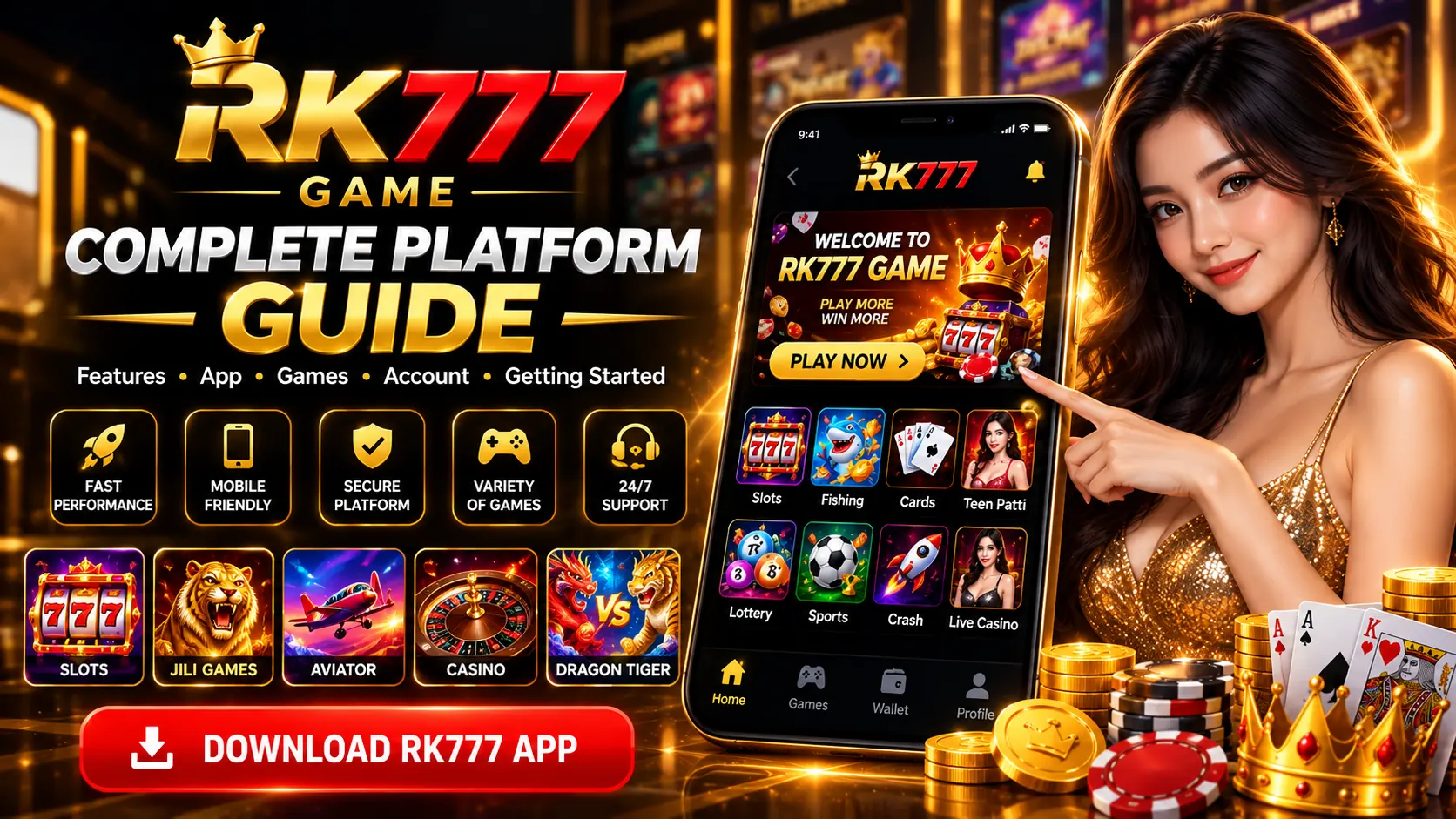
Trying to understand how the RK777 app is organised before using it? This guide walks through the screens and categories shown in the RK777 interface, explains common Android download and account-access terms, and shows where to find more detailed instructions. For the broader site overview, start at the RK777 Game homepage.
The information below is based on supplied app screenshots and practical Android guidance. Menus, availability and offers can change, so always rely on the information displayed in the version you actually use.
Table of Contents
- What the RK777 Platform Shows
- Understanding the Home Screen
- Game Categories Explained
- App and APK Basics
- Android Installation Checks
- Registration and Login
- Wallet, Deposit and Withdraw Screens
- Promotions and Rewards
- Better Mobile Navigation
- Account and Device Security
- Common Problems and Fixes
- Frequently Asked Questions
What Is the RK777 Platform?
RK777 is presented in the supplied screenshots as a mobile-oriented game platform with multiple categories, account controls, promotions and a wallet area. The interface uses a dark red and gold theme. The screenshots show category cards, a profile area, a deposit entry point and tabs for features such as events, rankings, VIP and earnings.
It is useful to distinguish the RK777 app from RK777Gamer.com: this website publishes independent informational guides, while actions such as registration or wallet transactions take place on the relevant third-party service. Seeing a feature in a screenshot does not establish whether it is currently available or appropriate in your location.
Understanding the RK777 Home Screen
The main dashboard is organised around several visible regions. Familiarising yourself with each part makes it easier to locate a feature without repeatedly opening unfamiliar screens.
- Top bar: platform branding and account-related controls.
- Account area: a player identifier, displayed balance and an entry point labelled Deposit appear in the supplied home screenshots.
- Promotional banner: an area highlighting offers, events or notices; these may rotate or change over time.
- Category navigation: shortcuts to game types such as Hot, Crash, Live, Fishing, Slots and other groupings.
- Bottom navigation: the screenshots display sections including Event, Ranking, Get Cash, VIP and Earn.
Read the labels before selecting an item. A banner is not necessarily the same as an account feature, and a game-category tile may open a separate provider or game screen.
RK777 Game Categories Explained
RK777 screenshots show different game styles rather than one single type of game. The categories below are examples visible in the supplied material, not a guarantee of the current catalogue.
Crash and Aviator-Style Games
The Hot section includes an Aviator tile, and the navigation also displays a Crash category. These games can involve rapidly changing results. Read game-specific instructions carefully; prior rounds do not provide a reliable prediction of a future random outcome.
Slots and JILI-Labelled Games
Slots and a JILI category appear in the screenshots. Slot-style games commonly use chance-based outcomes; features and payout rules depend on the specific game. Check any paytable or rules panel rather than making assumptions from a promotional graphic.
Rummy, Teen Patti and Card Categories
The captured interface also shows tiles for Rummy, Teen Patti, Andar Bahar and other card formats. Different games have distinct rules and participation conditions. A familiar card-game name does not mean every digital version follows the same rules.
Fishing, Live and Other Categories
Fishing tiles and live-style game options such as roulette appear in the supplied screens. Some categories can include many individual titles. Available content and any restrictions should be checked in the live application.
RK777 App and APK: What Is the Difference?
App describes the application you use on a device. APK is a package-file format used to distribute and install Android applications. A web page advertising an APK is not proof that the file is genuine, safe or compatible with your phone.
For a focused explanation, visit the RK777 App Guide or RK777 APK Guide. For download-related navigation and version terminology, consult the RK777 Download Guide and Latest Version Guide.
Basic Android Installation Checks
Before installing an Android application from outside a trusted app store, verify the source and understand the permissions it requests. Avoid modified packages, mirror sites you cannot verify and files promising guaranteed outcomes.
- Confirm you are using the intended publisher or a source you trust.
- Check the package name, version and requested permissions where available.
- Keep Android security patches and device protection features current.
- Do not bypass a harmful-app warning just to complete an installation.
- After installation, turn off unnecessary permission to install unknown apps if you enabled it temporarily.
These checks reduce some risks but cannot independently prove that a third-party installer is safe.
RK777 Account Registration and Login
The provided account-access screenshots show a phone-number field prefixed with +91, a verification-code field with a Send control, a Sign Up / Login action and separate options for Verification Code Login and Password Login. A Forgot Password link is also visible.
For a step-by-step walkthrough, see RK777 Register, RK777 Login and Create and Verify Your RK777 Account.
Never share an OTP, password or verification code with anyone. If a code does not arrive, confirm your number and mobile network before requesting another one; repeated requests may invalidate older codes.
Understanding the Wallet, Deposit and Withdrawal Areas
A supplied Wallet screenshot shows Deposit and Withdraw tabs, selectable amounts and payment methods. It also contains promotional labels associated with some amounts. The controls are evidence of how one version of the interface looked, not confirmation that payments, withdrawals, advertised rewards or processing times are currently available or guaranteed.
Before interacting with money-related features, check eligibility, local restrictions, payment details, fees, withdrawal conditions and current platform rules. Never transfer funds because a message promises a certain return. For explanatory pages, see Deposit Guide and Withdrawal Guide.
How Promotions, Rankings and Reward Screens Work
The screenshots include a Promotion page, a ranking display and a reward-code entry screen. Promotional images show figures, VIP groupings, referral-related references and redemption conditions. These are historical on-screen claims from the supplied material; their accuracy or continuing validity has not been independently verified.
Read eligibility, turnover, verification, expiry and withdrawal conditions on the active platform before relying on any offer. A displayed amount or leaderboard result does not guarantee that a user will receive or be able to withdraw it. Our RK777 Bonus Guide explains common promotional terms.
Tips for Easier Mobile Navigation
- Network: use a stable connection when signing in or opening menus.
- Updates: keep Android and supported browsers current; verify app updates before installing them.
- Storage: ensure sufficient free space if an installer or screen fails to load.
- Cache: clearing an app's cache can help with some loading issues; do not confuse Clear cache with Clear data.
- Accessibility: use device display-size controls if labels or buttons are difficult to read.
Actual loading speed depends on the device, software, network and service conditions. It cannot be guaranteed from screenshots or advertising claims.
Account Security and Safer Use
Enable a screen lock, choose unique credentials and be cautious of unsolicited account-help messages. Never disclose OTPs, recovery codes or banking details in public chats or to unverified support contacts.
When real money is involved, outcomes and losses are uncertain. Follow applicable age and location restrictions, decide on time and spending limits and do not try to recover losses by increasing stakes. Review Trust & Safety and Responsible Gaming.
Common RK777 App Problems and Basic Fixes
Check the number, mobile signal and whether the newest code has arrived. Avoid sharing verification details.
Check file authenticity, supported Android requirements, free storage and security warnings.
Test another stable connection, review device storage and check whether a legitimate update exists.
Check the current offer terms and in-app support route. Do not assume screenshots establish payment eligibility.
Frequently Asked Questions
What is covered in this RK777 Platform Guide?
It explains the app interface, categories, Android APK basics, mobile login, wallet screens, promotions and account-security practices.
Is RK777Gamer.com the platform operator?
This page is an independent informational guide and does not present RK777Gamer.com as the operator of the third-party application.
Does RK777 have mobile-number login?
The supplied app screenshots show a +91 mobile-number field, verification-code login and a password-login option. Actual account requirements may change.
Are the games and reward offers always available?
No availability is guaranteed. The guide describes features visible in supplied screenshots; consult the live platform for current offerings and conditions.
Is an APK file automatically safe to install?
No. Check the publisher and source, Android warnings and requested permissions before considering installation.
How can I learn about RK777 app installation or login?
Use the APK Guide, Download Guide and Login Guide for each specific topic.
Final Thoughts
Understanding RK777 starts with knowing which part of the interface you are viewing: game categories, the account screen, promotion pages and the wallet each have different purposes. The screenshots can help explain the layout, while the separate guides on this site provide more focused information.
Use current platform information to confirm any claim that involves downloads, account eligibility, money or rewards.