
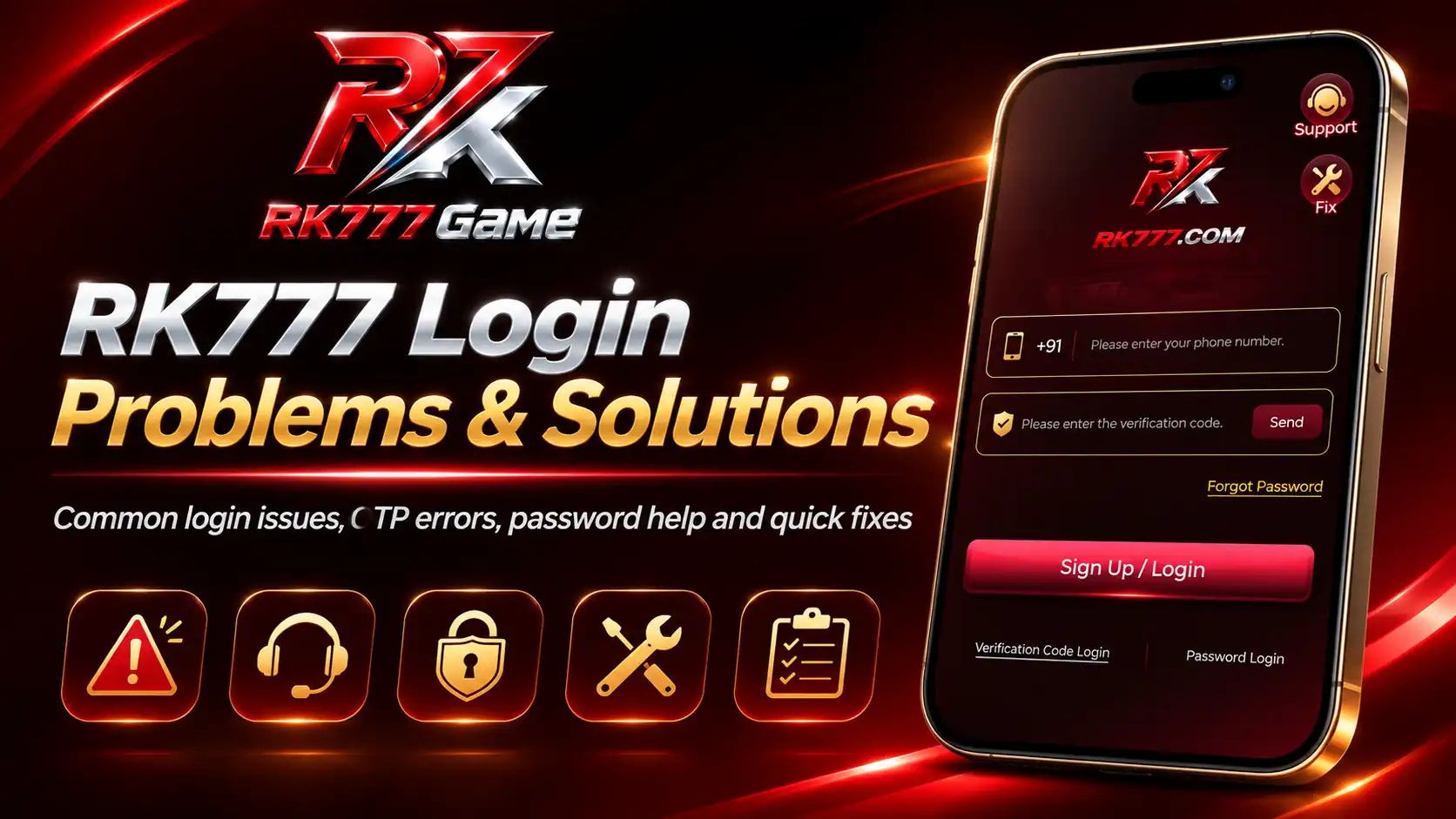
If you cannot sign in, there is usually a specific detail worth checking before trying the same action again. The RK777 Game login screen shown in the supplied screenshots has a +91 mobile-number field, a verification-code field with a Send option, a Sign Up / Login button, separate Verification Code Login and Password Login options, and a Forgot Password link.
This guide walks through practical fixes for missing SMS codes, incorrect passwords, loading errors, interrupted sessions, and account-access problems. It uses the visible RK777 interface as its starting point and distinguishes user-side troubleshooting from issues that only the platform's own support team can resolve.
Table of Contents
- Quick checks before retrying
- Understanding the two login methods
- OTP not received
- Invalid or expired verification code
- Wrong password or password login fails
- Forgot password and recovery
- Sign Up / Login button not responding
- App not opening or stuck loading
- Network, browser and device checks
- Temporary restrictions and account access
- Security and scam prevention
- When and how to contact support
- Troubleshooting checklist
- Frequently asked questions
RK777 Login Not Working? Start With These Quick Checks
Before resetting a password or requesting another OTP, first check what the screen actually says. A blank screen, an invalid-code message, and a wrong-password message indicate different problems and should not be handled in the same way.
- Confirm that the mobile number is typed correctly with the country code shown on the screen.
- Check whether you selected Verification Code Login or Password Login; the required information changes with the method.
- Make sure your phone has a working mobile network or internet connection, as appropriate.
- Look for an on-screen message and read it before submitting again.
- Try once more only after correcting the likely cause; repeated rapid attempts can complicate troubleshooting.
If you are new to the interface, the RK777 Login Guide explains the basic access steps. The rest of this article focuses on solving failures rather than repeating the normal login process.
Understand RK777 Verification Code Login and Password Login
The RK777 screenshot displays two distinct options at the bottom of the login interface. Verification Code Login asks for a mobile number and a code delivered through the service's verification process. Password Login lets users who have configured a password enter their credentials instead.
If you have not set a password or cannot remember it, trying unrelated guesses is unlikely to help. Conversely, if SMS delivery is unavailable, switching to password login might be useful only when that method is already enabled for your account. Follow the instructions shown by the current app screen because field labels can change after an update.
RK777 OTP Not Received? Step-by-Step Solutions
If you tap Send but no verification code arrives, go through the checks in this order:
- Verify the number. Look again at every digit. The example RK777 interface shows +91, so avoid entering the country code twice if it is already filled in.
- Check SIM and signal. Make sure the relevant SIM is active and your phone can receive ordinary SMS messages.
- Wait for the first request. SMS delivery can be delayed by network conditions; avoid repeatedly pressing Send within a short time.
- Look in filtered messages. Search the SMS inbox, spam folder, blocked-sender area, or other message filtering settings.
- Restart your mobile connection. Turning airplane mode on and back off can help restore a stuck network connection. Check reception again before retrying.
- Use the resend option if displayed. When a code expires or a waiting period ends, request a new code through the application's own interface.
Do not send your OTP to a person claiming they can “activate” your account manually. For more explanation of the account-verification process, read Create & Verify Your RK777 Account.
How to Fix an Invalid or Expired RK777 Verification Code
Receiving a code does not guarantee that it will still be valid when entered. A verification code may be time-sensitive or may be replaced by a newer request.
- Use the newest code received for the current login attempt.
- Type it into the verification field exactly as delivered, without extra spaces.
- Confirm that the code belongs to the correct mobile number and current session.
- If the code has expired, request a fresh one only through the intended login screen.
- If multiple messages arrive, do not assume an earlier code will continue to work.
The screenshot does not establish the exact code length, expiry time, or retry limit, so follow the current in-app instructions rather than relying on a fixed number of minutes.
RK777 Password Login Failed: What to Check
For password login problems, first confirm that the account is on the Password Login screen rather than the verification-code screen. Then check for keyboard mistakes, including capitalization, extra spaces, unwanted autofill, and an accidentally selected old saved password.
Use the password you configured for this account—not the password of another gaming service. If a password manager is available, check that the saved entry matches the account and website you intended to use. Do not keep trying dozens of guesses: repeated unsuccessful attempts may trigger restrictions on some services.
If the password still does not work, use the available account-recovery option instead of sharing credentials with a third party.
Forgot RK777 Password? Safe Account Recovery
The supplied login screenshot clearly displays a Forgot Password link. To recover access:
- Open the intended RK777 login interface.
- Choose Forgot Password and review the recovery screen.
- Enter the account details requested by that screen, using only information you are entitled to provide.
- Complete any legitimate ownership check, which may involve access to your registered mobile number.
- Where a reset is available, create a new and unique password and store it safely.
- Return to the login screen and use the method supported for your recovered account.
The complete recovery flow is not shown in the supplied screenshots, so additional steps may differ. Do not claim a recovery has succeeded until you can actually sign in. For related instructions, see the RK777 Account Security Guide.
RK777 Sign Up / Login Button Not Responding
If tapping the red Sign Up / Login button appears to do nothing, verify that you have completed the required fields for the selected login method. Watch for an error below the input box or a prompt that may not be visible above the keyboard.
Close and reopen the login screen, check whether another page loads successfully using the same connection, and try again after updating or restarting the application. If the browser version is being used, temporarily disable interfering extensions and try a current browser. Avoid installing a different APK solely because an untrusted pop-up says it will fix a login failure.
RK777 App Not Opening, Crashing or Stuck on Loading
Sometimes the problem is not the account credentials at all. The interface may stall before the login request is sent.
- Close the app completely and open it again.
- Restart your phone if other apps also behave abnormally.
- Check free device storage and available memory.
- Try a stable internet connection and compare Wi-Fi with mobile data if appropriate.
- Review whether an app update is available from a source you have independently verified.
- On Android, consider clearing the app's cache if supported. Clearing app data may sign you out or remove locally stored settings, so do not do it casually.
For more general installation and compatibility information, see our RK777 APK Guide and Download Guide. These are informational guides; neither guarantees that a particular device or APK will work.
Browser, Network and Device Problems That Affect Login
Mobile connectivity can change while a verification request is being processed. A weak signal, a captive Wi-Fi portal, an incorrect device clock, or an outdated browser can interfere with normal access.
- Load another trusted page to establish whether your connection is functioning.
- Keep date and time set automatically when possible.
- Update the browser or system through the device's usual update mechanism.
- Check that a VPN, proxy, content blocker, or DNS filter is not accidentally blocking the login page.
- Do not bypass geographic or account restrictions imposed by a service.
When the page loads but only a particular login action fails, capture the exact error message before making more changes. That information is far more useful than guessing.
Account Temporarily Unavailable or Login Restricted
Sometimes an account-related message can appear after multiple attempts or when the platform requires a further check. The visible RK777 screenshots do not establish the platform's internal rules for temporary locks, disabled accounts, region checks, or verification flags.
If the current interface displays a restriction, read its precise wording and follow the official process offered there. Do not create multiple substitute accounts to avoid a restriction, and never pay someone in a chat who promises to remove an account lock.
Protect Your RK777 Account While Fixing Login Problems
Login troubleshooting often creates opportunities for scams. A message claiming to be “account support” may ask for the exact OTP or password needed to take over an account. Never disclose those details.
- Verify the page address or application source before entering credentials.
- Use a distinct password for each account where passwords are supported.
- Avoid forwarded download files, modified apps, and “guaranteed account unlock” tools.
- Do not send screenshots containing full mobile numbers, codes, payment details, or passwords.
- Sign out of shared devices and secure your own phone with a device lock.
- Where gaming involves real money, understand the applicable law and the platform's terms before using its payment features.
Read our Trust & Safety and Responsible Gaming pages for broader precautions.
When Should You Contact RK777 Support?
If the same problem persists after the basic checks, contact the service through the support controls displayed inside the intended application. The supplied login screenshot shows a Support icon, but it does not verify response times, live-agent availability, or any particular off-platform phone number.
Prepare a short explanation such as: “I selected verification-code login, entered my number, tapped Send, and did not receive an SMS.” Include your device type, approximate time, and the exact error wording if useful. Do not include your OTP, password, full banking details, or sensitive identity documents.
Final RK777 Login Troubleshooting Checklist
Correct digits, intended country code and active SIM.
Verification code or configured password—not a mix of both.
Wait, check filtering, then use the newest valid code.
Check autofill and keyboard; use recovery when forgotten.
Stable network, updated software and sufficient storage.
Trusted page, no OTP sharing and no third-party unlock services.
Frequently Asked Questions
Why can't I log in to RK777?
The cause may be an incorrect number, a mismatched login method, an expired code, a wrong password, a device or network problem, or an account-side restriction. Identify the displayed error before choosing a fix.
What if the RK777 verification code does not arrive?
Check your number, SIM network, SMS filtering, and whether enough time has passed. Use the resend option if the app provides one, without repeatedly requesting codes.
Does RK777 show password login and OTP login?
Yes. The supplied RK777 login screenshot displays Verification Code Login and Password Login as separate options.
How do I reset a forgotten RK777 password?
The screenshot contains a Forgot Password link. Open it and follow the recovery instructions shown for your account. Additional steps depend on the actual recovery screen.
Why is my RK777 OTP marked invalid?
The code may have expired, been replaced by a newer code, been entered incorrectly, or belong to a different request. Try the latest valid code for the correct session.
What if the RK777 Login button does not work?
Check required fields, any visible error, your connection, and app or browser updates. Restart the interface and retry after addressing the likely issue.
Can a support agent ask for my OTP or password?
No one helping with troubleshooting should need your secret one-time code or password. Never share them in chats, calls or screenshots.
Will reinstalling the RK777 APK fix every login problem?
No. Reinstallation will not correct a wrong number, forgotten password, service restriction or delayed SMS. Confirm the source before installing any APK.
Final Thoughts
The safest way to resolve RK777 login problems is to match the fix to the symptom. Start with your number and login method, then handle OTP or password issues, and only afterward check the app, browser or network. When an account-specific restriction remains, use the platform's intended support process.
For regular account access steps, see the RK777 Register Guide and RK777 Login Guide. Protect your credentials throughout the troubleshooting process.